26 May, 2026
FM26 2026/27 Real Fixtures and Results File – Play the New Season Already
Want to manage Hull in the Premier League? Want to manage Lincoln in the Championship? The FM26 2025/26 Real Fixture & Results file is here!
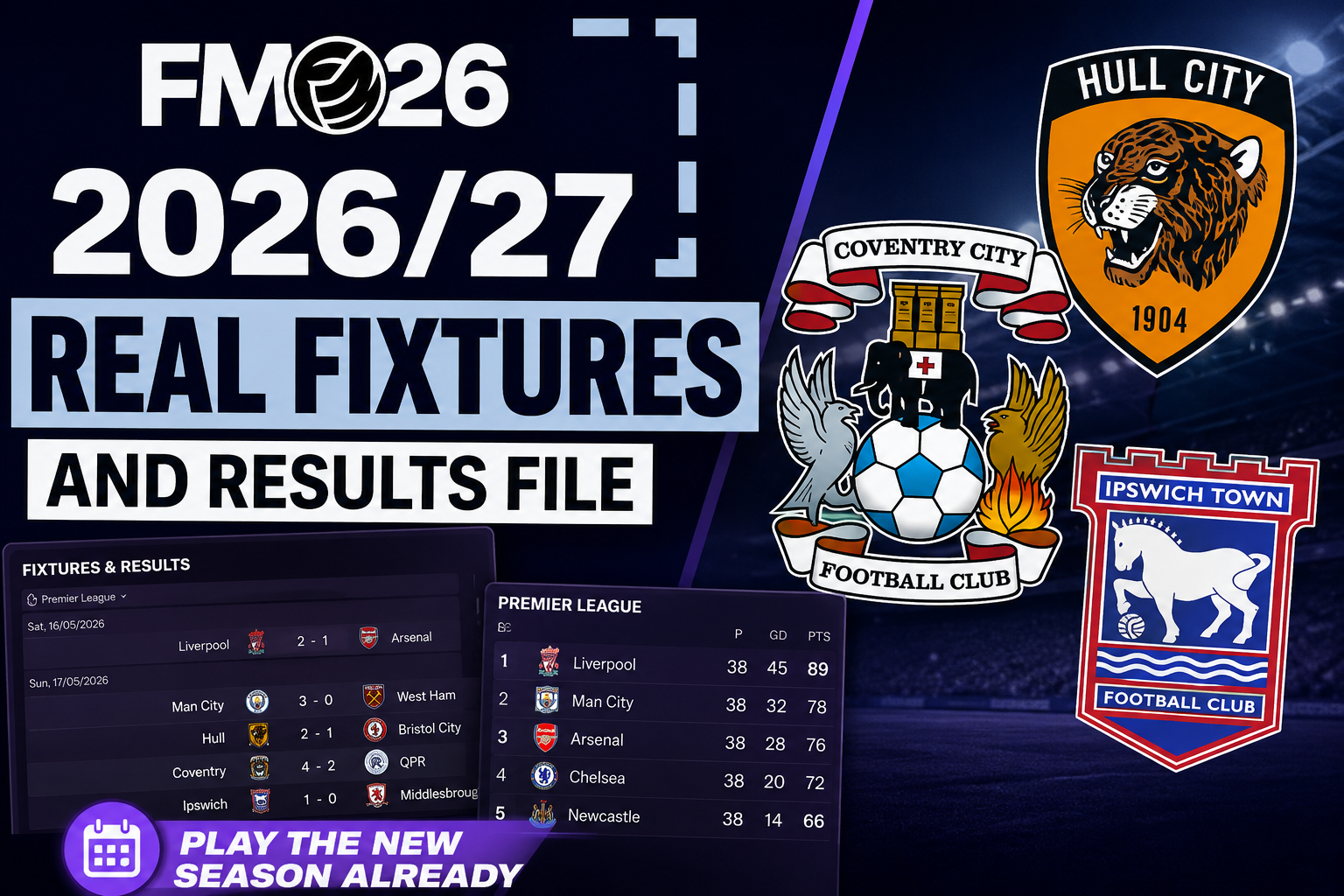
Want to manage Hull in the Premier League? Want to manage Lincoln in the Championship? The latest FM26 2025/26 Real Fixture & Results file by Sortitoutsi has been updated for matches played between May 15 and May 18, 2026, giving Football Manager players a more accurate way to set up saves heading into the 2026/27 season.
Instead of starting from FM26’s original database and pretending the season has moved on, this file lets you use real fixtures and results so the football world better reflects what has actually happened.
That means more accurate promotion and relegation scenarios, more realistic league tables, and better save ideas built around the real 2026/27 picture.
What the file adds
The file includes:
- Real fixtures and results
- Fixed dates for national cups
- Playable B teams where they are not already in the original database, with Italy given as one example
- Updated results for real matches played from May 15 to May 18
- A Seychelles start date of 18/5/26 for the latest version
It is mainly useful for players who want to begin a save closer to the end of the real 2025/26 season, then carry that world forward into 2026/27.
That opens up better versions of the saves FM players usually love: newly promoted clubs, relegated rebuilds, surprise European qualifiers, late-season rescue jobs and clubs whose real-life situation has changed since the original database was locked.
Two modes are included
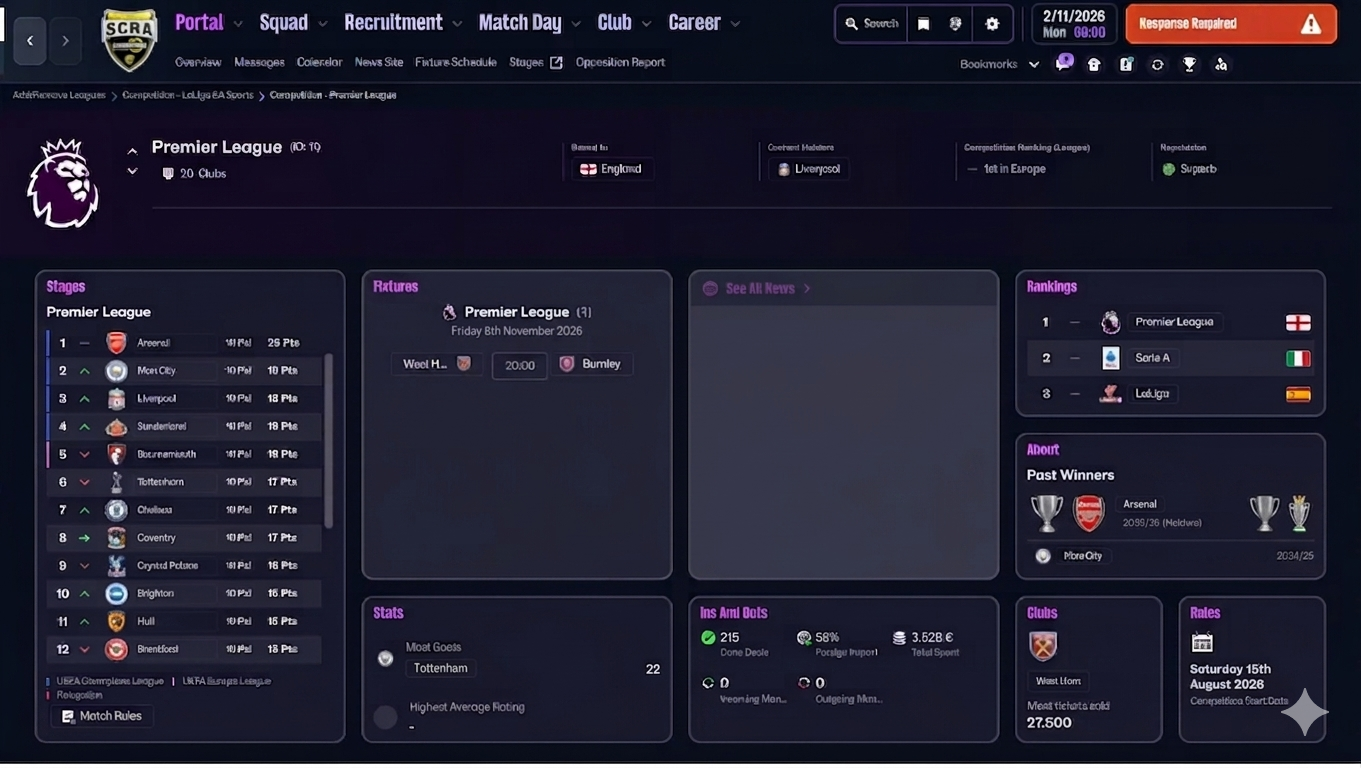
There are two versions of the file.
Normal Real Fixture & Results is the full version. It includes the real fixtures and results, plus the winners of Super Cups played in July and August.
Only Fixture is for players who only want the fixture lists. With this version, you start from the league start date of your chosen nation as you would in a normal career.
For players trying to create the most accurate 2026/27 setup, the normal real results version is the one that matters most.
Leagues included

The file covers a large number of European leagues.
In England, the available divisions are:
- Premier League
- Championship
- League One
- League Two
- National League
- National League North and South
That is especially useful because it allows promotion and relegation changes to flow through more of the English pyramid, rather than only updating the top division.
Major European leagues are also included, such as:
- La Liga, La Liga 2 and Primera RFEF
- Serie A, Serie B and Serie C
- Bundesliga, Bundesliga 2 and 3. Liga
- Ligue 1, Ligue 2 and Championnat National
- Eredivisie
- Primeira Liga and Liga Portugal 2
- Scottish Premiership, Championship, League One and League Two
- Süper Lig and 1. Lig
The file also supports leagues in Austria, Belgium, Bulgaria, Croatia, Czech Republic, Denmark, Finland, Greece, Hungary, Ireland, Latvia, Lithuania, Northern Ireland, Norway, Poland, Romania, Russia, Slovakia, Slovenia, Serbia, Sweden, Switzerland and Ukraine.
Several leagues are credited to contributors ginobili20 and Kraake, with ginobili20 covering countries including Belgium, Croatia, Greece, Norway 2025, Bulgaria, Czech Republic, Hungary, Romania, Russia, Serbia and Ukraine. Kraake is credited for Norway 2026.
How to install it
The .fmf files need to be placed in:
Documents\Sport Interactive\Football Manager 2026\editor data
Inside the download, there are two main folders.
The Normal Real Fixture & Results folder contains the start date files, the Alternative folder and the main .fmf files. The Alternative folder also includes a README with instructions in English and Italian.
The Only Fixture folder contains the fixture-only files.
The page also includes separate hidden instructions for Epic Games, Mac and Steam Deck users.
You must start a new save using Football Manager Original mode.
How to start a save with real results
To use the full real results scenario:
- Load the files.
- Add the leagues you want.
- Add Seychelles as view-only.
- Choose the Seychelles start date, listed as 18/5/26.
- Go to Add and Remove Leagues.
- Remove the Seychelles league.
For the Only Fixture version, do not include starter dates. Just start the career using the date of the chosen country, as you would in a normal save.
The Continue Game Timeout issue
There is one known issue.
If Continue Game Timeout is enabled, FM26 may simulate past the intended start date during loading and take you to a later date.
To avoid that:
- Disable Continue Game Timeout before creating the save.
- Create the game using real results.
- Save the game once.
- Re-enable Continue Game Timeout afterwards.
It is a small setup step, but it matters if you want the correct start date.FM26
Check out our Feature Articles section for more FM26 Updates and Tips.