05 Feb, 2026
FM26 Stadiums Megapack – Review and Download Link
Elevate your FM26 experience with the Stadium Megapack. Stunning HD visuals for hundreds of grounds—a true work of art for every manager.
I’ve been playing Football Manager for years. I’ve lived through last-minute heartbreaks, tactical masterclasses, and saves that went far longer than they ever should have. But for all its depth, one thing always felt slightly underwhelming: the match-day visuals. That changed completely once I installed the FM26 3D Stadiums Megapack.
For the first time, watching matches in Football Manager 26 didn’t feel like a functional necessity — it felt like an experience. The atmosphere, the lighting, the crowd movement — everything suddenly clicked. It’s one of those additions that, once you’ve used it, you genuinely can’t imagine going back.
1. What It Is and What It Does
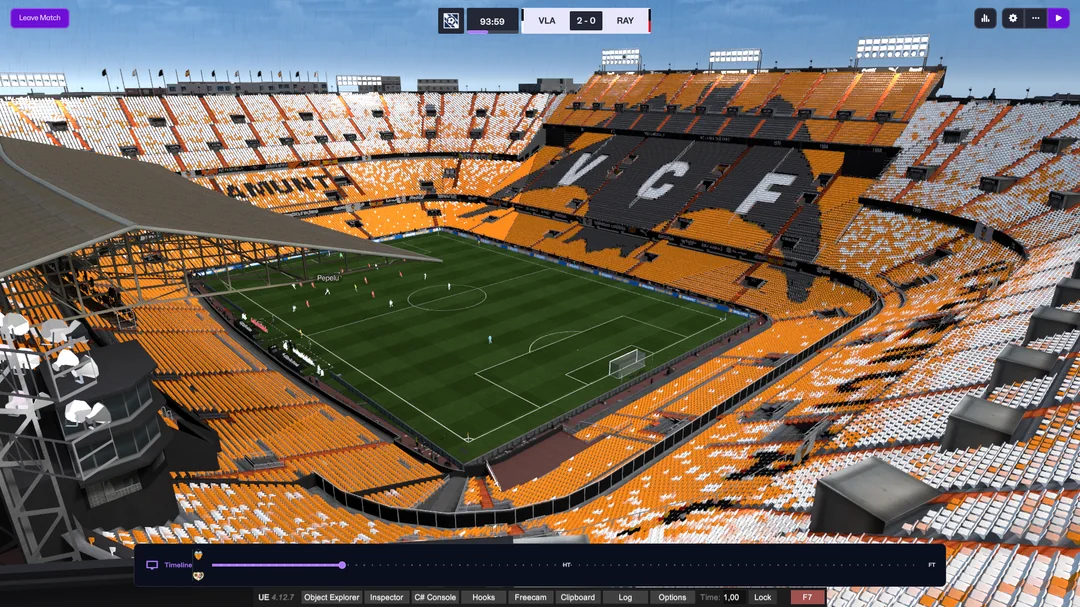
The FM26 3D Stadiums Megapack is a large-scale visual mod created by the genius BassyBoy that replaces Football Manager’s generic stadiums with highly detailed, realistic 3D recreations of real football grounds from around the world.
Instead of the same bland bowl-shaped arenas appearing no matter where you play, each club now feels like it truly belongs to its environment. Stadiums feature accurate architecture, seating layouts, pitch dimensions, and lighting setups that mirror their real-life counterparts. From towering modern arenas to older, character-filled grounds, every venue has its own identity.
What makes this pack special isn’t just the visual fidelity — it’s the sense of presence. Crowds react to what’s happening on the pitch, shadows shift realistically as the day progresses, and matches feel grounded in a physical space rather than a generic simulation. It bridges the gap between FM’s deep tactical gameplay and the emotional pull of real football.
2. My Experience: Why It Changed How I Watch Matches
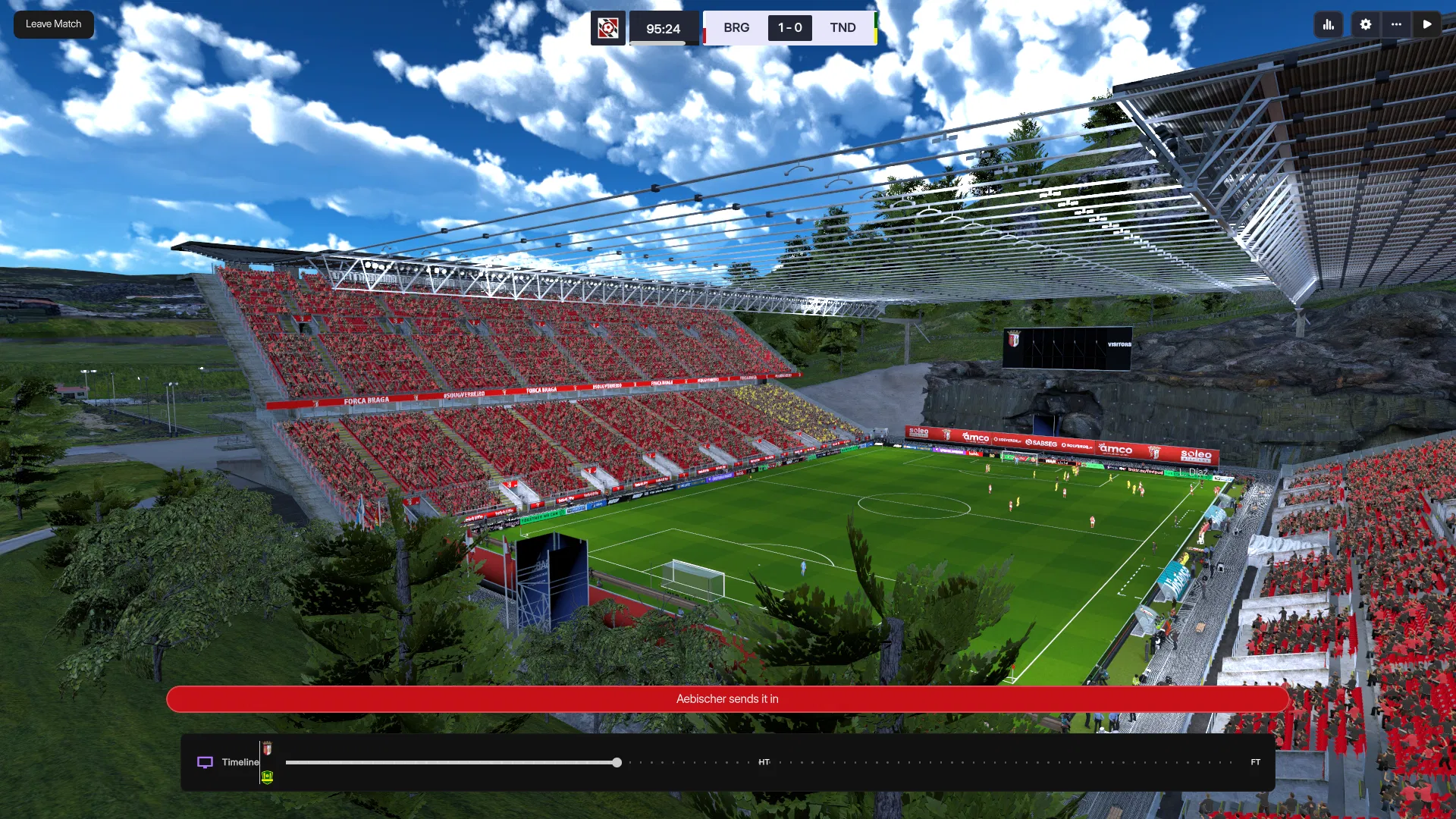
I first noticed the difference while managing Braga. Braga’s stadium has always had character, but seeing it recreated in full 3D detail was a revelation. The stands felt closer, the atmosphere more intense, and the match presentation suddenly demanded my attention.
Normally, I’m someone who jumps between highlights and tactical views, rarely sitting through full matches. With this pack installed, I found myself watching more — not because I had to, but because I wanted to. Goals felt bigger. Late winners felt dramatic. Even dull 0–0 games felt more authentic simply because the environment sold the moment.
My favourite experience so far has been at St James Park, as a Newcastle fan this was inevitable. The stadium just feels right. The huge Milburn stand, the way the roof casts shadows across the pitch, the subtle crowd movement during tense moments, and the lighting as evening sets in all combine to create something genuinely immersive. It’s not flashy for the sake of it — it’s atmospheric, grounded, and believable.
There’s also something emotionally powerful about seeing your club grow into its surroundings. Promotion seasons feel different when the stadium looks packed and alive. Big European nights genuinely feel like big European nights. It adds a layer of storytelling that Football Manager thrives on but rarely visualises this well.
3. Technical Improvements and Features
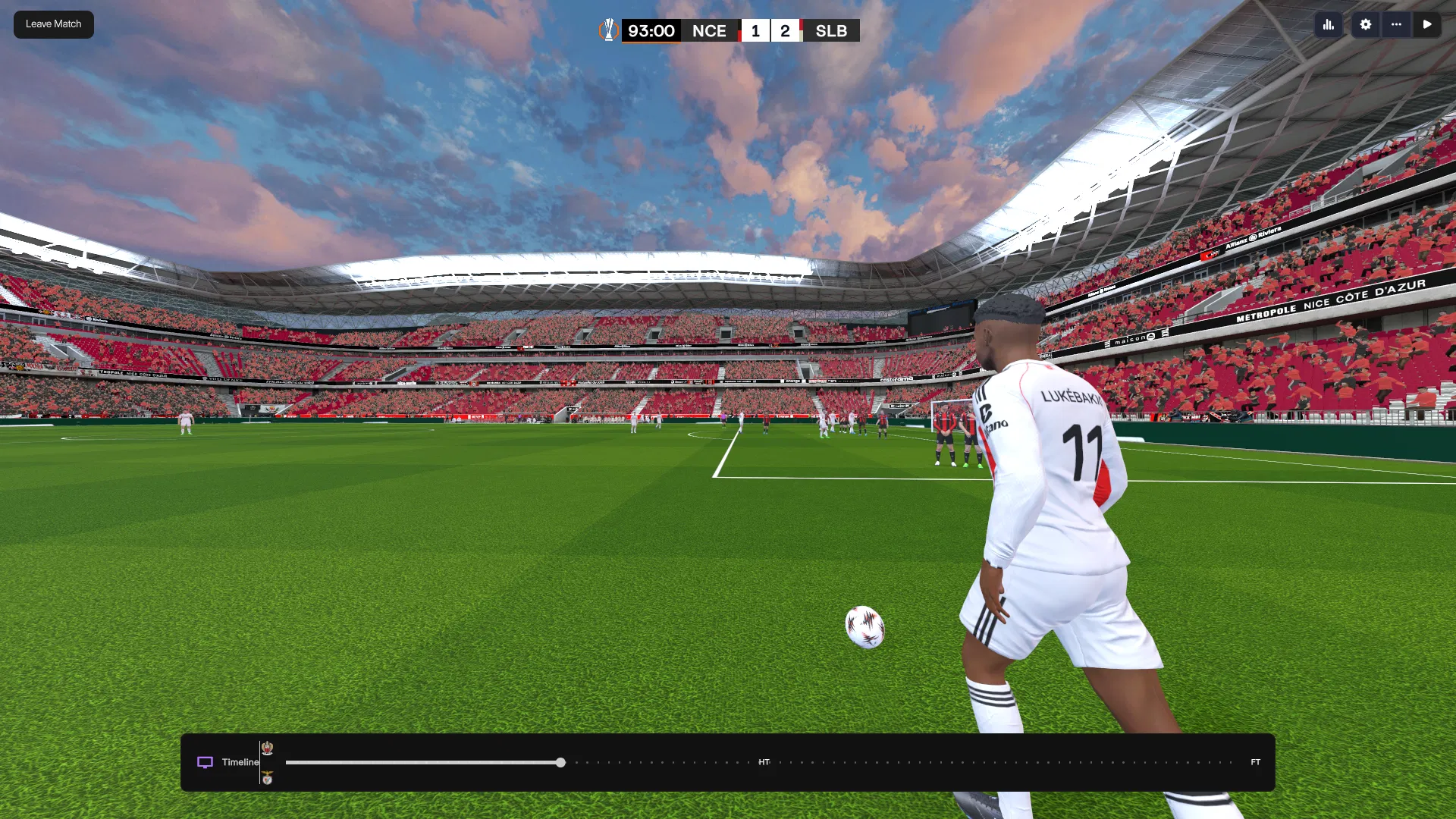
Under the hood, the Megapack introduces a number of technical upgrades that push FM’s match engine visuals further than ever before.
High-Resolution Textures
Stadiums use ultra-detailed textures, making pitches, seating, and structures far sharper than the default visuals. Even small details like advertising boards, stairways, and roof supports are clearly defined.
Dynamic Lighting and Time of Day
Matches look noticeably different depending on when they’re played. Afternoon games are bright and crisp, evening matches have warmer tones, and night games under floodlights feel dramatic and intense. Lighting changes naturally, adding realism without feeling forced.
Enhanced Crowd Behaviour
Crowds are no longer static backdrops. They move, react, and visually respond to goals, pressure, and momentum shifts. While still limited by the engine, it’s a significant step up from the base game.
Wide Stadium Coverage
The pack includes a large and growing selection of stadiums across multiple leagues and countries. Updates expand coverage regularly, meaning more clubs receive authentic homes over time.
Optimised Performance
Despite the visual leap, performance remains surprisingly stable. On a reasonably modern system, matches run smoothly, and even on mid-range setups, any performance impact is minimal. There are also options to tweak visuals if needed.
4. How to Download and Install
Installing the FM26 3D Stadiums Megapack is straightforward if you follow the steps carefully.
First, download the main Megapack files along with any available update or extension packs to ensure full compatibility and coverage.
Once downloaded, extract the files using a program like WinRAR or 7-Zip. Inside, you’ll find several folders and configuration files.
Next, copy these extracted files directly into your Football Manager 26 installation directory. For most Steam users, this is located in the Steam common apps folder. Make sure you copy the contents of the extracted folder, not the folder itself.
After copying the files, launch Football Manager 26. The first launch may take slightly longer than usual as the game processes the new stadium assets. This is normal.
Once in-game, start a match using the 3D engine and you should immediately notice the difference. If everything is installed correctly, stadiums will appear far more detailed and immersive than before.
There are also optional tools available that can automate parts of the installation process if you prefer a more hands-off approach.
Final Thoughts
The FM26 3D Stadiums Megapack doesn’t change how Football Manager plays — it changes how it feels. It enhances moments you already care about and makes match days something you look forward to watching, not skipping.
It’s rare for a visual mod to have such a meaningful impact on immersion, but this one does. Matches feel grounded. Clubs feel real. Stadiums feel alive.
If you care about atmosphere, storytelling, and the emotional side of Football Manager, this pack isn’t just a nice addition — it’s essential. Once you’ve experienced FM this way, there’s no going back.
Check out our Feature Articles section for more FM26 Updates and Tips.